-
-
💾 Save building & hotspot positions
- Click Copy to clipboard below — it copies BOTH blocks at once.
- Open Shopify admin → Online Store → Themes → Edit code.
- Open
sections/mochi-town.liquid. - Find the
BUILDING POSITIONSblock and replace it with the first part of what you copied. - Find the
HOTSPOT POSITIONSblock and replace it with the second part. - Click Save in Shopify. Done.
Swipe & tap the map to explore — or use the ☰ menu (top left) to shop ✨
Featured products
-
Customisable Student Trading Card
Regular price From $6.50 SGDRegular price -
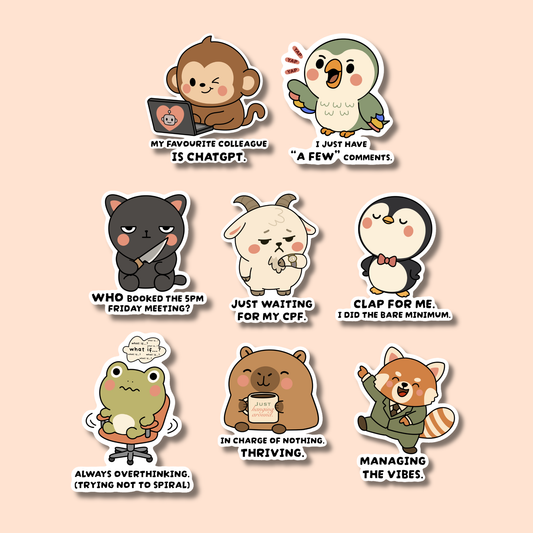
My Favourite Colleague Is ChatGPT Sticker
Regular price $2.50 SGDRegular price -
Pocchari-mon: Sylveon Sticker
Regular price $1.50 SGDRegular price -
Customisable Corporate Trading Card
Regular price From $6.50 SGDRegular price -
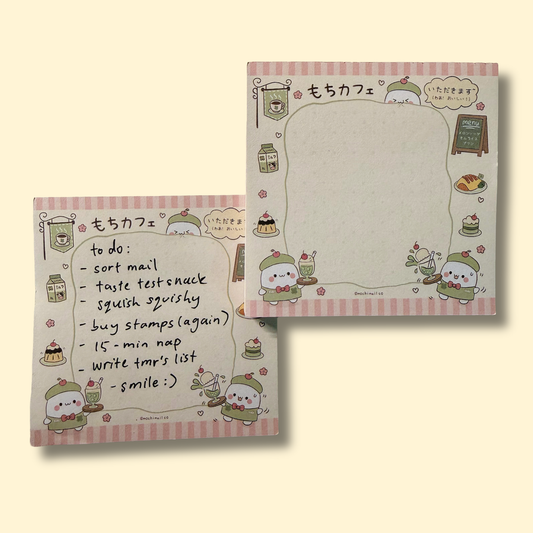
Mochi Cafe Memopad — Melon Soda Ver.
Regular price $2.50 SGDRegular price -
Pocchari-mon: Vaporeon Sticker
Regular price $1.50 SGDRegular price -
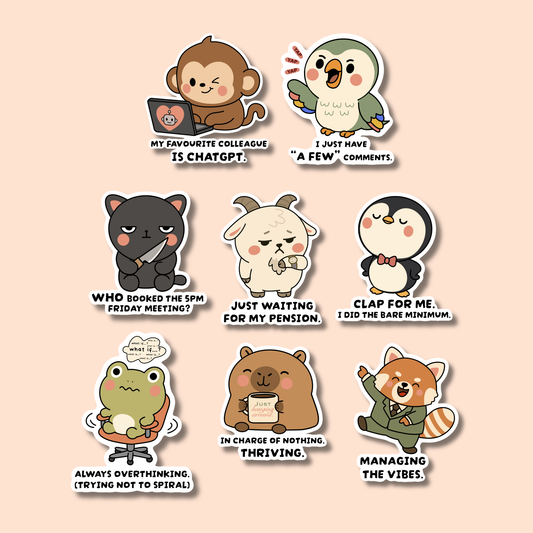
Corporate Zoo Series 1 — Full Set (8 Stickers)
Regular price $12.50 SGDRegular price -
"Cruise in a Bottle" - Customisable Disney Cruise Sticker
Regular price From $44.00 SGDRegular price